Compress your PDF to the smallest possible size without losing quality. Smallpdf's PDF compressor is free, secure, and browser-based – no installation needed.
Compress PDFs online for free while maintaining document quality. Reduce the size of your large files for easy sharing and storage in just a few clicks.
Compress your PDF effortlessly and instantly. Simply drag and drop your file, and our compressor will automatically optimize it within seconds. Enjoy seamless online compression across all major platforms: Mac, Windows, Linux, iOS, and Android.
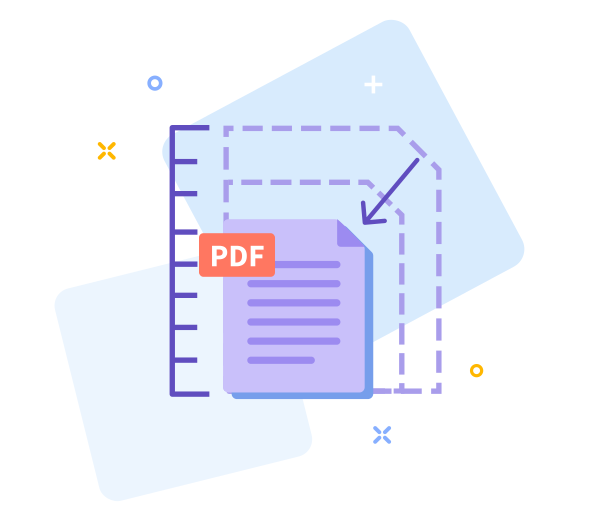
Select between Basic, Moderate, and Strong PDF compression for the optimal balance. Reduce file size without noticeable quality loss.
Your PDFs are secured with TLS encryption, comply with GDPR, and are ISO/IEC 27001-certified. For extra peace of mind, we automatically delete files after one hour.
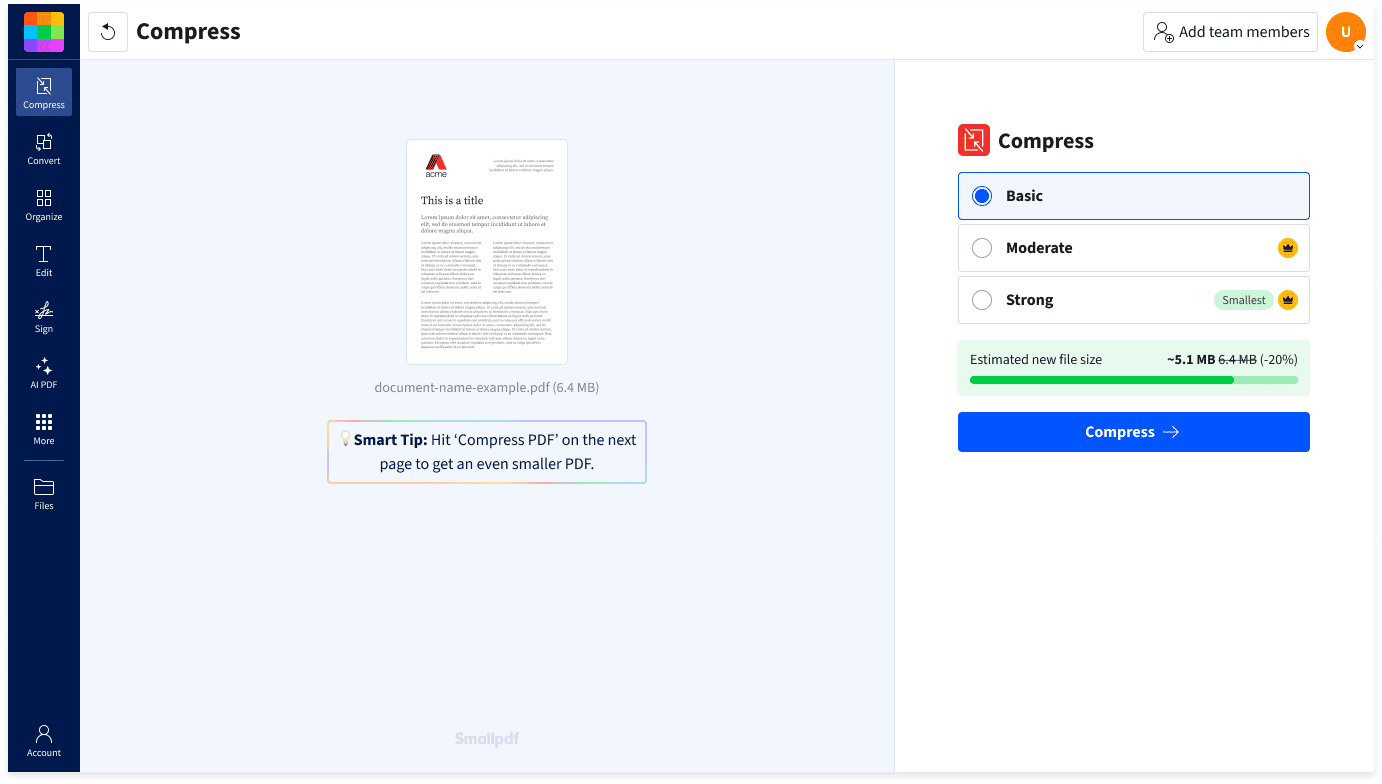

Compress PDFs directly in your browser—no installations, sign-ups, or learning curves. Just upload, compress, and be on your way.

Smallpdf's tools are cloud-based, so you can reduce your file size online via any browser and on any device, from desktop to tablet and mobile.

Compress more than just PDFs. Use the tool to reduce other file types, such as Word, PPT, Excel, JPG, PNG, GIF, and TIFF.

Smallpdf is GDPR-compliant, which means we're transparent about how we collect, store, and process your personal data.

We're ISO/IEC 27001 certified, so we're audited annually to ensure the safety, security, and integrity of your documents.

Smallpdf keeps your documents secure, even while you're working on them, with state-of-the-art TLS encryption.
Absolutely! Our PDF compressor is free for reducing file size, like our other tools. You can also compress MS Office files, as well as JPG, PNG, GIF, TIFF, and other image formats, without quality loss. Note that usage limits may apply, and our "Moderate" and "Strong" compression are Pro features. To begin, drag and drop your files into the PDF compressor above.
Yes! Our Smallpdf for Teams plan provides unlimited PDF compression for your team. Enjoy 40+ PDF tools (edit, merge, convert, including AI) and flexible payment options for teams of any size.
No. Compressing your PDFs with Smallpdf doesn't alter fonts in any way. Your document fonts will remain consistent and unaffected by the compression process. This means all text styles, sizes, and embedded fonts are fully preserved, maintaining the PDF's professional appearance.
We're committed to safety and security. In addition to GDPR compliance, Smallpdf is ISO/IEC 27001-certified, undergoes annual security audits, and employs TLS encryption to keep your files safe.
Yes, our iOS and Android mobile apps let you compress large PDF files on the go, so you can stay productive while traveling or working remotely.
The best PDF compressor shrinks file size without losing quality. Smallpdf's Compress PDF tool does just that—offering fast, high-quality compression with "Basic", "Moderate", and "Strong" options. Plus, the compressor comes with TLS encryption, GDPR compliance, and ISO/IEC 27001 certification. Try it for free—no sign-up needed!
Smallpdf's PDF compressor analyzes your document, removes redundant data, and re-encodes large images to shrink file size—without sacrificing quality. It's fast and efficient, and it keeps your content intact.
You can compress your poster as a PDF file using Smallpdf's Compress PDF. This shrinks the file size while keeping the design and text as clear as possible. You can also scale down the poster's dimensions using your computer's print settings by printing to PDF and selecting a smaller paper size.
When you're applying for jobs, your resume file size can become a problem. Many job application portals have file size limits, and if your PDF resume is too large, it might not upload. That's where Smallpdf's PDF compressor comes in.
Start with a tool like Smallpdf's Compress PDF. It's fast, easy, and built for image-heavy documents, such as scans. You upload, pick your compression level, and boom, lighter file, no loss of quality.
The best free online tool to compress large PDFs while maintaining file format and quality. No registration needed.
Read article
Need to shrink a PDF file down to less than 1 MB for online submission? Let Smallpdf help you!
Read article
Got a PDF file that's too big? Here are three free tools that you can use to reduce your PDF size online through your browser, and locally on Windows or Mac.
Read article